Adding a second monitor or a curved monitor to your setup is one of the easiest ways to maximize productivity and streamline multitasking. Whether you’re working from home, gaming, or doing creative projects, the right monitor setup can save time, reduce frustration, and make your workflow smoother.
In this guide, we’ll show you the best second monitors and curved monitors for 2026, from budget-friendly options to ultrawide screens perfect for home office multitasking.
Why You Need a Second Monitor
A second monitor for laptop or desktop isn’t just a luxury — it’s a productivity booster. Studies show that having dual screens can increase efficiency by up to 30%, letting you keep documents, spreadsheets, and communication apps visible without constantly switching windows.
Key benefits:
- Work on multiple applications simultaneously
- Reduce Alt-Tab frustration
- Ideal for video editing, coding, and spreadsheet work
- Enhance gaming and creative workflows
👨💻 Best Second Monitors for Productivity
Here are our top picks for office work, home office setups, and general productivity.
Dell 27 Plus 4K Monitor
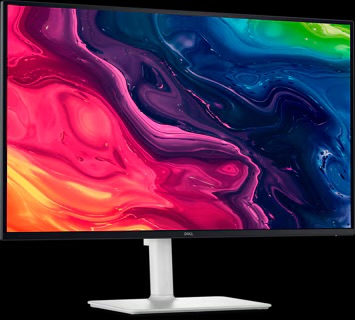
- Resolution: 4K UHD
- Why it’s great: Crisp text, wide viewing angles, perfect for spreadsheets and multitasking.
- Price: $299.99
Check it out here: Dell 27 Plus 4K
Dell SE2425HM 24” FHD
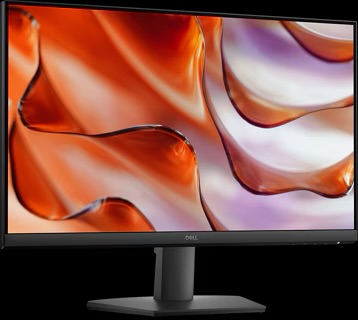
- Resolution: 1080p
- Price: $99
- Why it’s great: Affordable, reliable, and ideal as a budget second monitor for office.
Check it out here: Dell SE2425HM
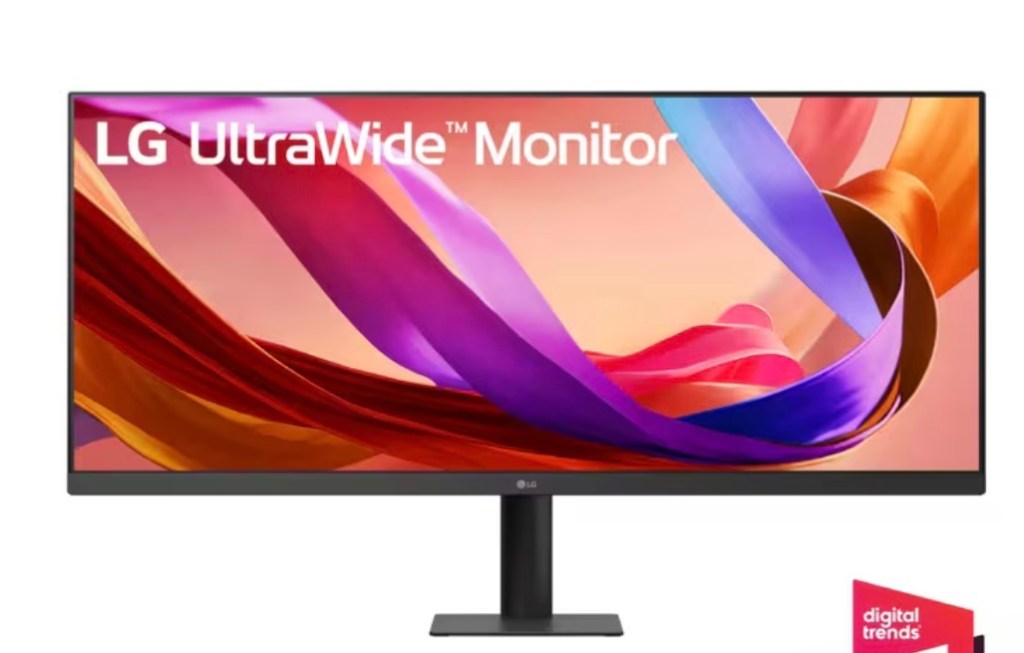
- Resolution: WQHD Ultrawide
- Price: $209
- Why it’s great: Wide horizontal workspace for side-by-side apps, perfect for multitasking and productivity.
- Check it out here: LG Ultrawide Monitor
🎮 Best Secondary Monitors for Gaming
If you want a dual monitor setup for gaming and work, these monitors give smooth visuals without breaking the bank.
Acer Nitro 27” 2K 180Hz Gaming Monitor
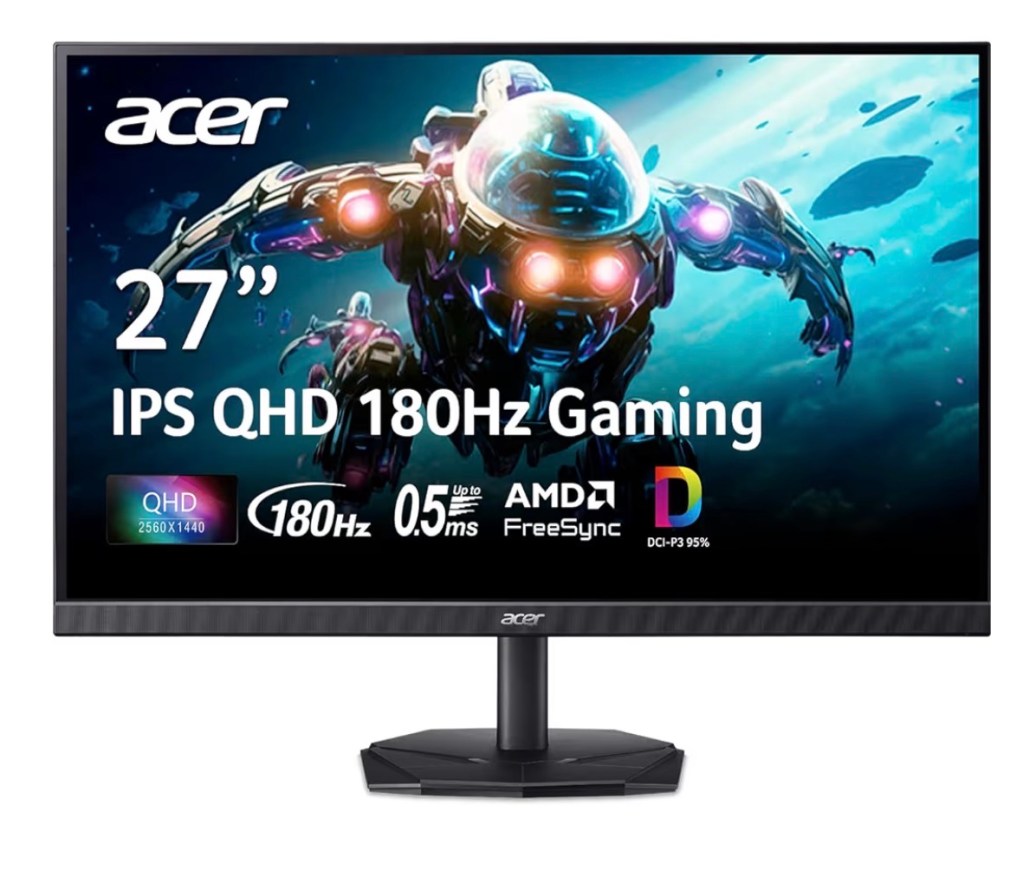
- Resolution: 2560×1440 QHD
- Price: $159.99
- Why it’s great: High refresh rate and fast response time, ideal for gaming while keeping a second screen for productivity.
- Check it out here: Acer Nitro 27”
Samsung Odyssey G50D 32” QHD Gaming Monitor
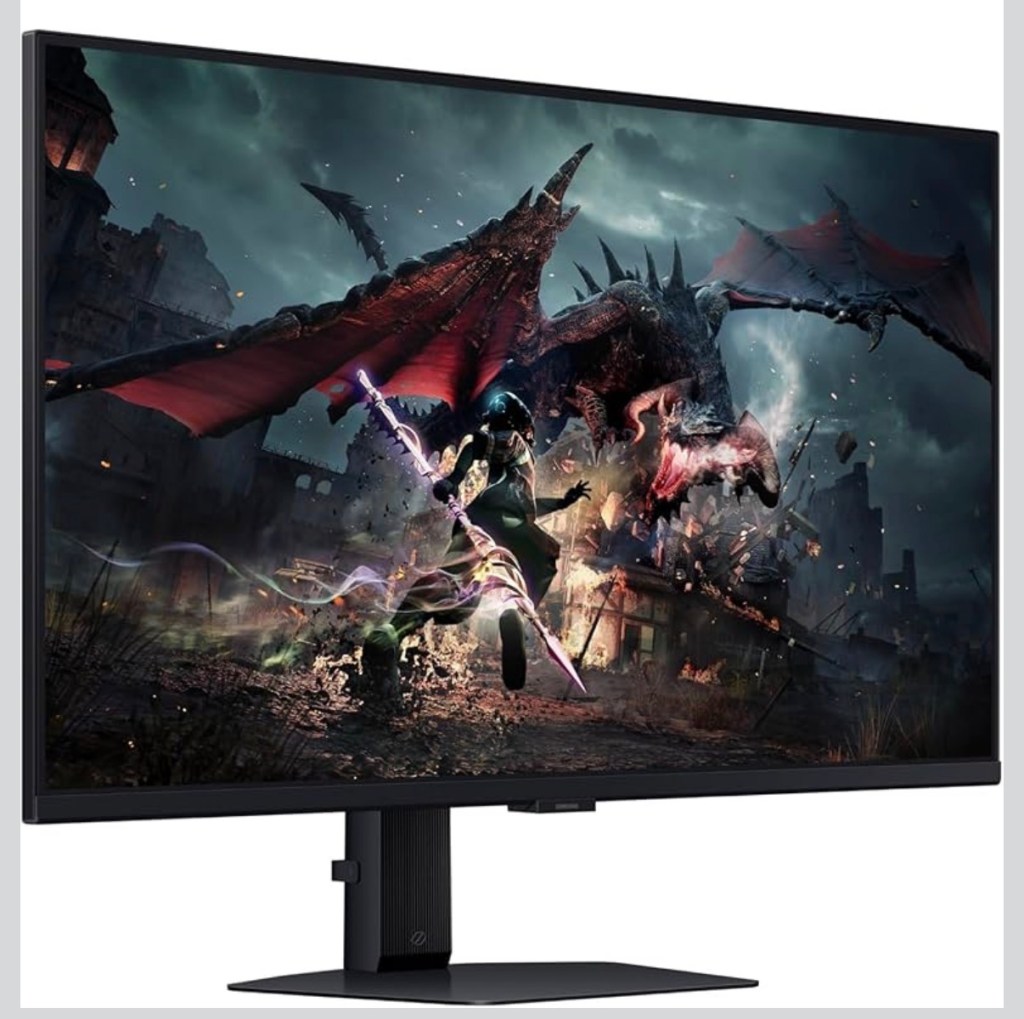
- Resolution: 2560×1440 QHD
- Price: $335.00
- Why it’s great: Perfect blend of high refresh rate, HDR, and large workspace for dual monitor gaming setups.
- Check it out here: Samsung Odyssey G50D
🌀 Best Curved Monitors for Immersion & Productivity
Curved monitors reduce eye strain on wide screens and create an immersive experience for gaming, media, and multitasking.
Premium & Immersive Curved Monitors
Samsung Odyssey Neo G9 57″ Curved
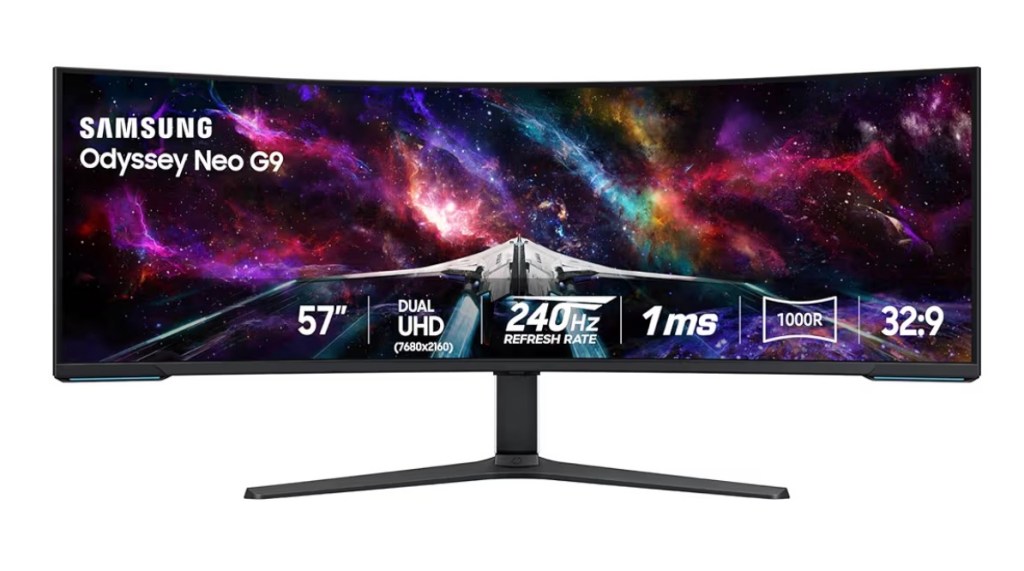
- Price: $1,379.99
- Why it’s great: Massive 57″ 1000R curvature with dual-UHD resolution and 240 Hz refresh — perfect for high-end gaming and multitasking.
- Check it out here: Samsung Odyssey Neo G9
Alienware AW3225QF 31.6″ Curved
- Price: $999.99
- Why it’s great: QD-OLED curved monitor with 4K resolution and 240 Hz refresh rate — excellent for gaming, content creation, and office work.
- Check it out here: Alienware AW3225QF
Samsung Odyssey G75F 37″ Curved
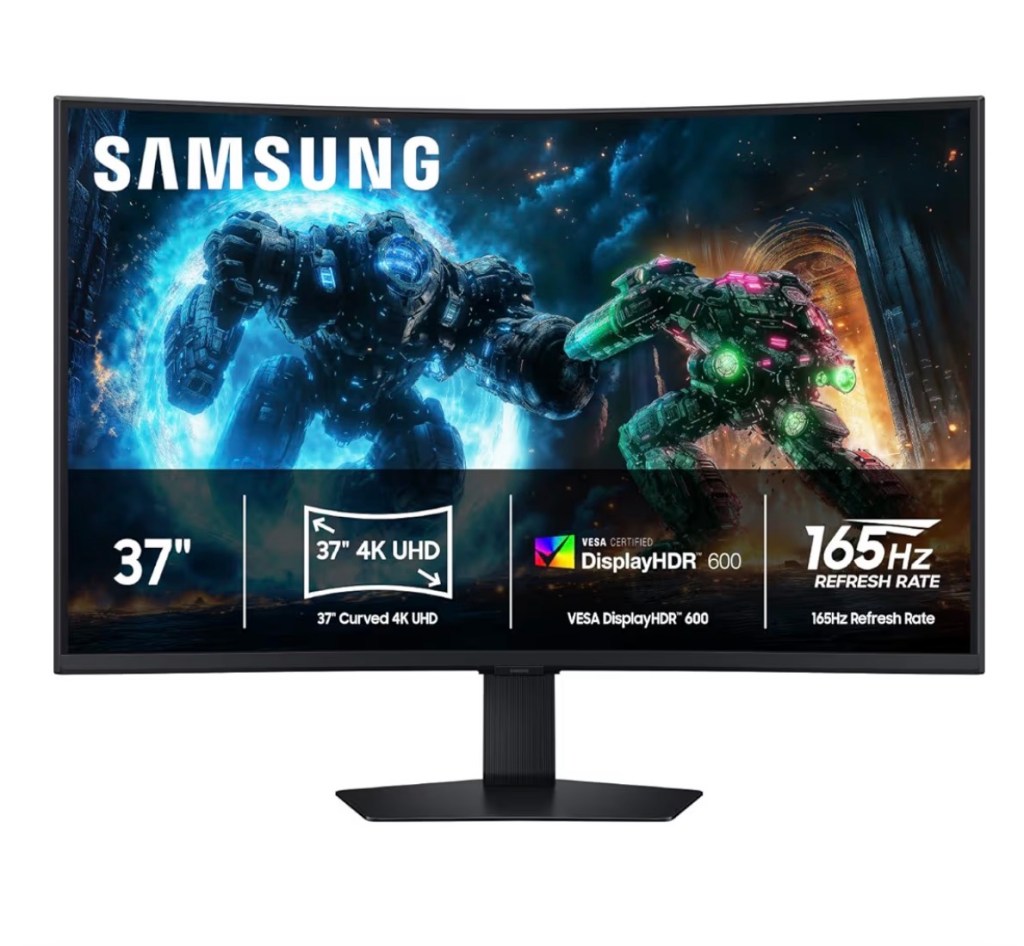
- Price: $589.99
- Why it’s great: 37″ 4K curved display with fast refresh — ideal for gaming and productivity.
- Check it out here: Samsung Odyssey G75F
Mid-Range & Value Curved Monitors
LG UltraWide 34″ Curved
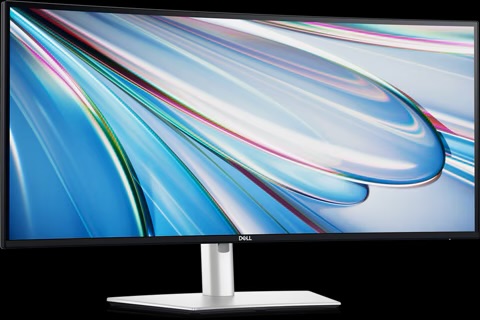
- Price: $219
- Why it’s great: Ultrawide WQHD for multitasking and editing, plenty of space for side-by-side apps.
- Check it out here: LG UltraWide
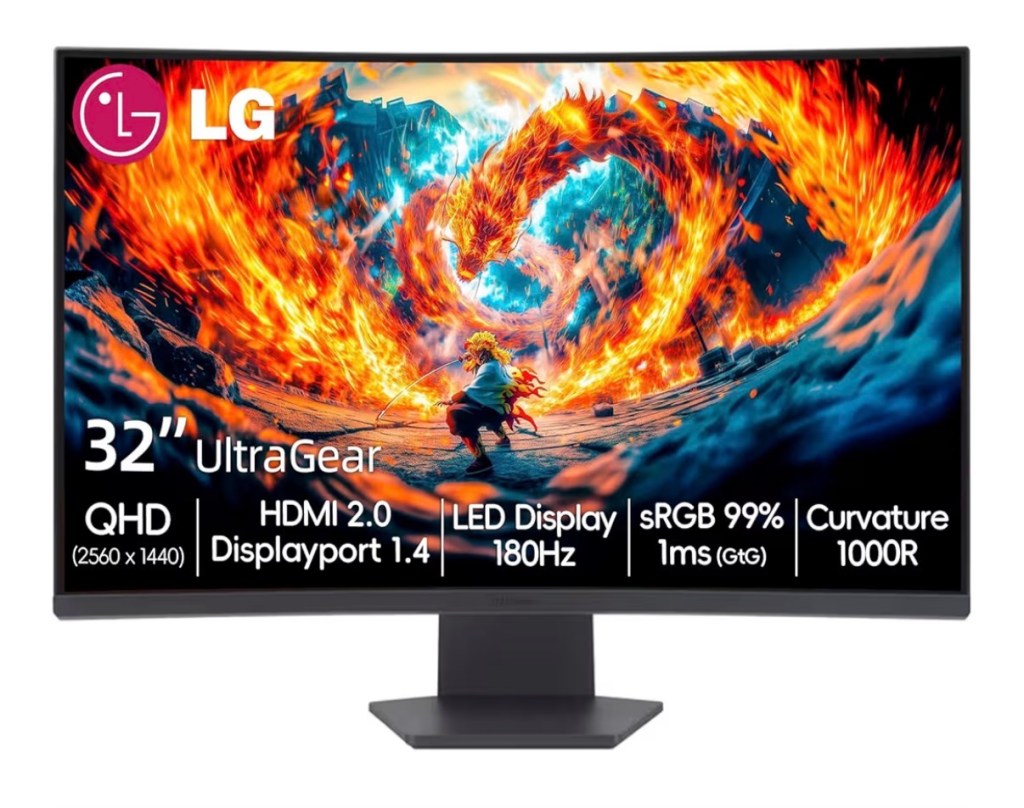
- Price: $243.97
- Why it’s great: QHD resolution, 180 Hz refresh — solid gaming and work monitor under $300.
- Check it out here: LG ultra Gear 37”
AOC CU34G2XP 34″ Curved

- Price: $279.99
- Why it’s great: Highly rated 34″ VA panel with WQHD resolution and 165 Hz refresh rate — immersive gaming without premium pricing.
- Check it out here: AOC CU34G2XP 34″ Curved
Budget-Friendly Curved Monitors
Samsung Odyssey G5 32″ Curved
- Price: $249.99
- Why it’s great: 32″ curved gaming monitor with 165 Hz refresh — balanced size, speed, and immersion.
- Check it out here: Samsung Odyssey G5 32”
LG 32″ FHD Curved Monitor
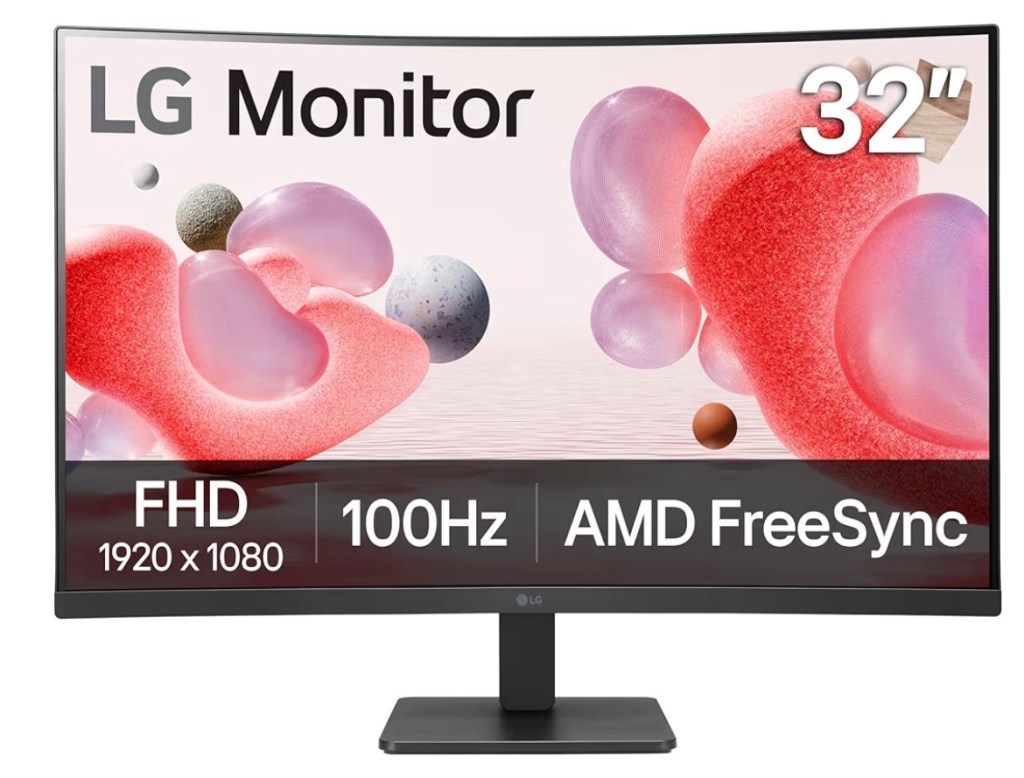
- Price: $179.99
- Why it’s great: Sub-$200 option with FreeSync support — perfect curved immersion on a budget.
- Check it out here: LG 32″ FHD Curved Monitor
🧠 How to Choose the Best Second or Curved Monitor
Screen Size & Curve
- 1000R curvature matches natural field of view for immersive gaming or ultrawide workspaces.
- Larger sizes (34″–57″) work well for productivity + immersion, 27″–32″ for smaller desks.
Refresh Rate & Resolution
- Gaming: 144 Hz+ and QHD or higher
- Productivity: high resolution and ultrawide for multitasking
Panel & Features
- OLED/QD-OLED for best contrast
- VA panels for strong contrast at good value
- Look for HDR, FreeSync/G-SYNC, USB-C support for flexible setups
Quick Picks
- All-around immersive experience: Samsung Odyssey Neo G9 57″
- Best single curved monitor: Alienware AW3225QF 31.6″
- Balanced gaming + productivity: LG UltraWide 34″ or AOC CU34G2XP
- Budget curved option: LG 32″ Curved Monitor
Final Thoughts
Whether you want a second monitor for multitasking or a curved monitor for immersive gaming and work, the right screen will make your workflow seamless and your setup feel professional. From budget options to ultrawide and premium curved monitors, there’s a perfect choice for every desk.

Disclosure: Article may earn a commission. Thank you for reading!

Leave a Reply